Record the starting conditions
Save the current sensitivity and the mouse settings you use outside the game. Use a familiar amount of desk space and a comfortable posture. Without consistent conditions, it is difficult to separate a control change from fatigue or a different hand position.
Another player’s number is not a complete solution. First describe the problem: turning too slowly, overshooting a target or losing precision while aiming. These call for different checks and are not always fixed by one slider.
Separate looking from aiming
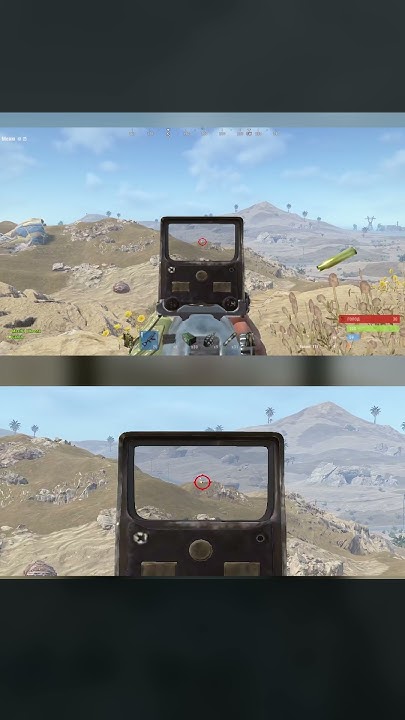
Facepunch introduced a separate aiming sensitivity multiplier. It interacts with base sensitivity, so one value should not be evaluated without the other. Inspect the current settings in your own game version.
Test an ordinary turn without aiming, then aim at the same target. Change only one parameter at a time. If looking around feels comfortable but the final aiming correction is difficult, record that specific observation instead of concluding that all the controls are wrong.
Make the drills repeatable
Begin with a smooth movement between two stationary landmarks, then add stopping on the target. Follow with a brief move out of cover and back. Consistent distance, weapon and position make differences between settings easier to notice.
Practise detecting a target, moving and firing separately before combining them. A chaotic duel does not reveal which step failed. Several calm repetitions provide more useful feedback than evaluating a setting from one fortunate hit.
Transfer the result to normal play
After choosing a comfortable option, complete a series of short drills without changing numbers every minute. Add reloading, healing and changing cover. Record where the setting helps and where positioning or decisions are the real problem.
The RustGansh Short about sensitivity demonstrates checking a question in practice, not a guaranteed winning value. If trying keybinds, test them first in a safe training environment and make sure ordinary actions remain accessible.
Before you leave
- Save the starting values.
- Test looking and aiming separately.
- Repeat a consistent drill.
- Change one parameter at a time.
Related video
 Can you change only aiming sensitivity in Rust?