Rust CCTV camera codes
Find a camera by location or identifier. Copy its code for a Computer Station and save your favourites.
No matching cameras.
Use the star next to a code to save it in this browser.
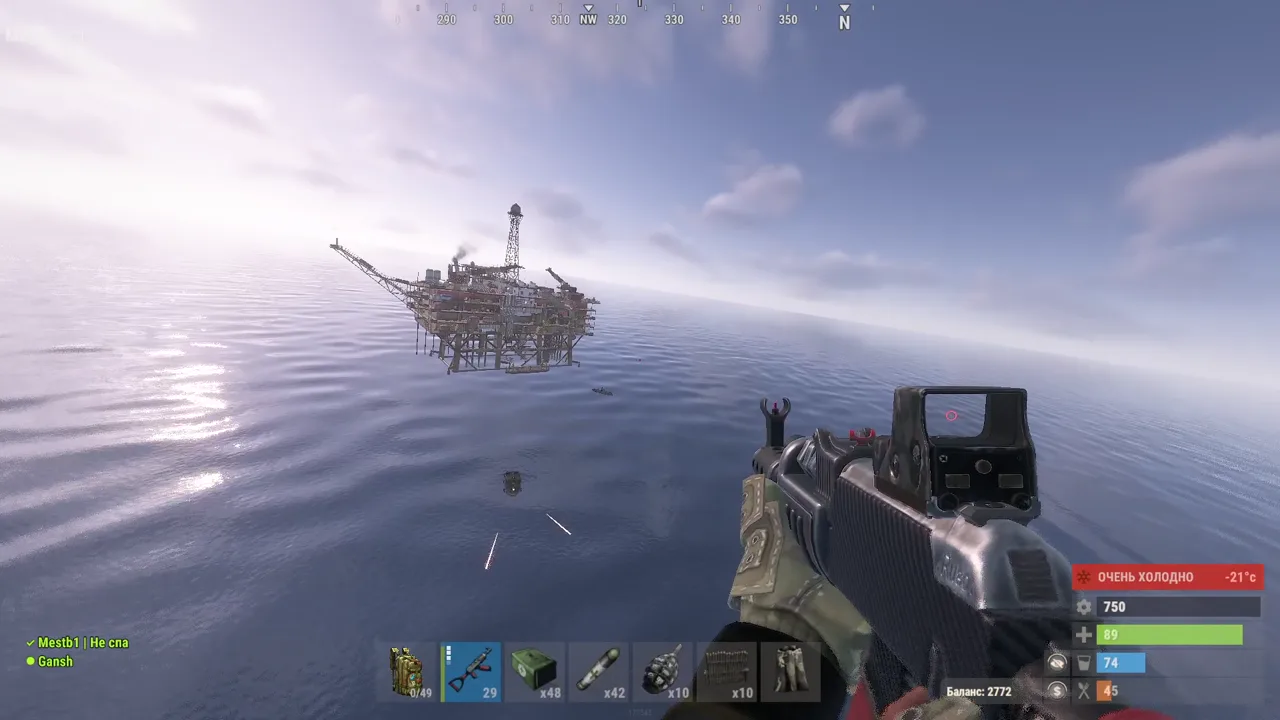
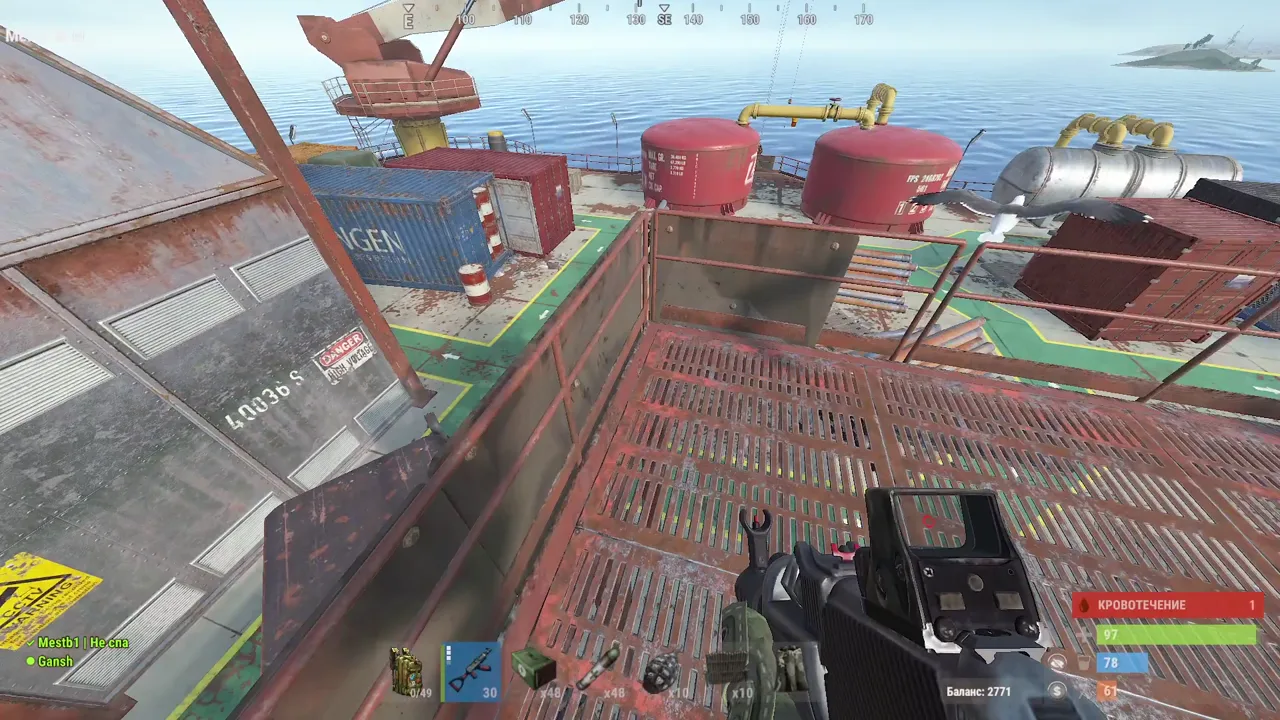
Large Oil Rig ↗
Codes · 13OILRIG2DOCKDockOILRIG2HELIHelipadOILRIG2EXHAUSTExhaustOILRIG2L1Level 1OILRIG2L2Level 2OILRIG2L3ALevel 3AOILRIG2L3BLevel 3BOILRIG2L4Level 4OILRIG2L5Level 5OILRIG2L6ALevel 6AOILRIG2L6BLevel 6BOILRIG2L6CLevel 6COILRIG2L6DLevel 6D
Small Oil Rig ↗
Codes · 6OILRIG1DOCKDockOILRIG1HELIHelipadOILRIG1L1Level 1OILRIG1L2Level 2OILRIG1L3Level 3OILRIG1L4Level 4
Cargo Ship ↗
Codes · 5CARGODECKDeckCARGOBRIDGEBridgeCARGOSTERNSternCARGOHOLD1Hold 1CARGOHOLD2Hold 2
Underwater Labs ↗
Codes · 14Find the identifier on your current map. Paste the code or enter its trailing digits, including any leading zeroes. Check the code again after a wipe.
AUXPOWER••••BRIG••••CANTINA••••CAPTAINQUARTER••••CLASSIFIED••••CREWQUARTERS••••CREWQUARTER••••HALLWAY••••HallwayINFIRMARY••••InfirmaryLAB••••LaboratoryLOCKERROOM••••OPERATIONS••••OperationsSECURITYHALL••••SPECTRE••••TECHCABINET••••
Airfield ↗
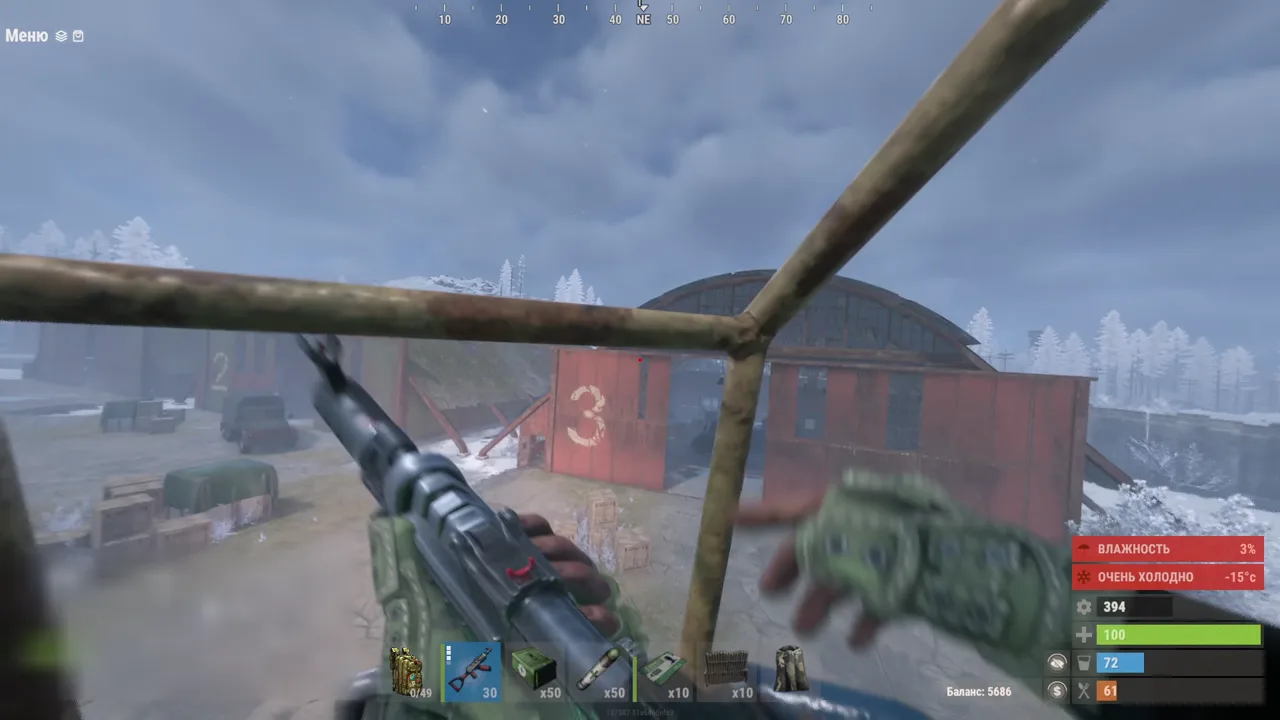
Codes · 1AIRFIELDHELIPADHelipad
Outpost ↗
Codes · 4COMPOUNDSTREETCOMPOUNDCRUDECOMPOUNDMUSICCOMPOUNDCHILL
Bandit Camp ↗
Codes · 3AIRWOLFCASINOTOWNWEAPONS
Ferry Terminal ↗
Codes · 4FERRYDOCKDockFERRYPARKINGParkingFERRYUTILITIESUtilitiesFERRYLOGISTICSLogistics
Missile Silo ↗
Codes · 5SILOTOWERTowerSILOEXIT1Exit 1SILOEXIT2Exit 2SILOMISSILEMissile areaSILOSHIPPING
Radtown ↗
Codes · 3RADTOWNHOUSERADTOWNAPARTMENTSRADTOWNSBL
The Dome ↗
Codes · 2DOME1DOMETOPUpper platform
Abandoned Military Base ↗
Codes · 1Find the identifier on your current map. Paste the code or enter its trailing digits, including any leading zeroes. Check the code again after a wipe.
COMPOUND••••
Train Tunnel Entrances ↗
Codes · 1Find the identifier on your current map. Paste the code or enter its trailing digits, including any leading zeroes. Check the code again after a wipe.
OUTDOOR••••
Equipment and setup
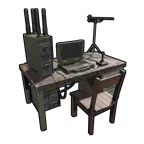
- Craft a Computer Station at a Tier 2 workbench or buy it at Outpost. Place it inside your base.
- Connect the station to a power source. Facepunch added this requirement in the May 2026 update.
- Sit at the station, paste the code into Identifier to Add and select Add. Choose the camera from the saved list.
- For a camera at your base, connect 3 rW to the camera. With a hammer equipped, set an identifier and add it at the station.
If there is no feed, check the station power, exact spelling and whether the monument is on your map. For a map-specific code, verify the digits in game.
Sources · Facepunch · 2026 · Facepunch · CCTV · Facepunch · Labs · Facepunch Wiki · Station · Facepunch Wiki · Camera · Facepunch Wiki · PTZ · Rust Wiki · RustHelp