Record the starting state
Take screenshots of your settings and note resolution, display mode, preset and test-server conditions. Record whether video capture is running too. Without a baseline, restoring a comfortable picture after an unsuccessful experiment becomes difficult.
Distinguish low frame rate, network delay and brief stalls. They can feel similar, but one slider does not have to solve every cause. Describe the symptom first: consistently poor smoothness, occasional hitches or actions delayed relative to the server.
Repeat one scene and one route
Choose a familiar area with deliberate camera movement and a consistent test length. Compare the same game build on the same server under reasonably similar conditions. Moving from an empty beach to an unrelated small indoor scene is not a valid improvement measurement.
Change one parameter group and repeat the check. Look beyond the average number to visible drops in smoothness, distant-object clarity and aiming comfort. If repeated results vary, avoid crediting the last toggle with the whole difference.
Check whether advice is current
Rust’s menu and options change. November 2026’s Printed and Polished removed the option to disable volumetric clouds, so an old instruction to find that switch no longer matches the current menu. Check a configuration’s date and the source of each command.
Do not enter unknown command bundles for a promised fixed gain. Start with available settings, understand the purpose of each change and keep a way back. A configuration for another resolution, computer and server does not become universal because a video is popular.
Choose a usable profile, then play normally
Return to ordinary situations after comparing: fights, movement around the base, loading a monument and recording if relevant. The profile should retain adequate visibility and control rather than merely win one selected screenshot. Record remaining problems separately.
This is an editorial testing method, not a measured benchmark on RustGansh’s computer. The related Short concerns aiming sensitivity and does not promise extra FPS. No guaranteed percentage, hardware purchase or configuration that supposedly fixes every system is claimed.
Before you leave
- Save the original settings.
- Compare one scene and the same route.
- Assess smoothness and visibility as well as FPS.
- Check advice against the current menu version.
Related video
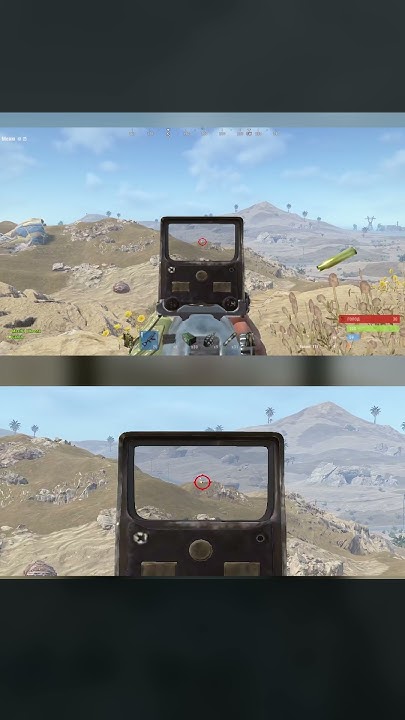 Can you change only aiming sensitivity in Rust?